Skip to content

Explore What’s Inside
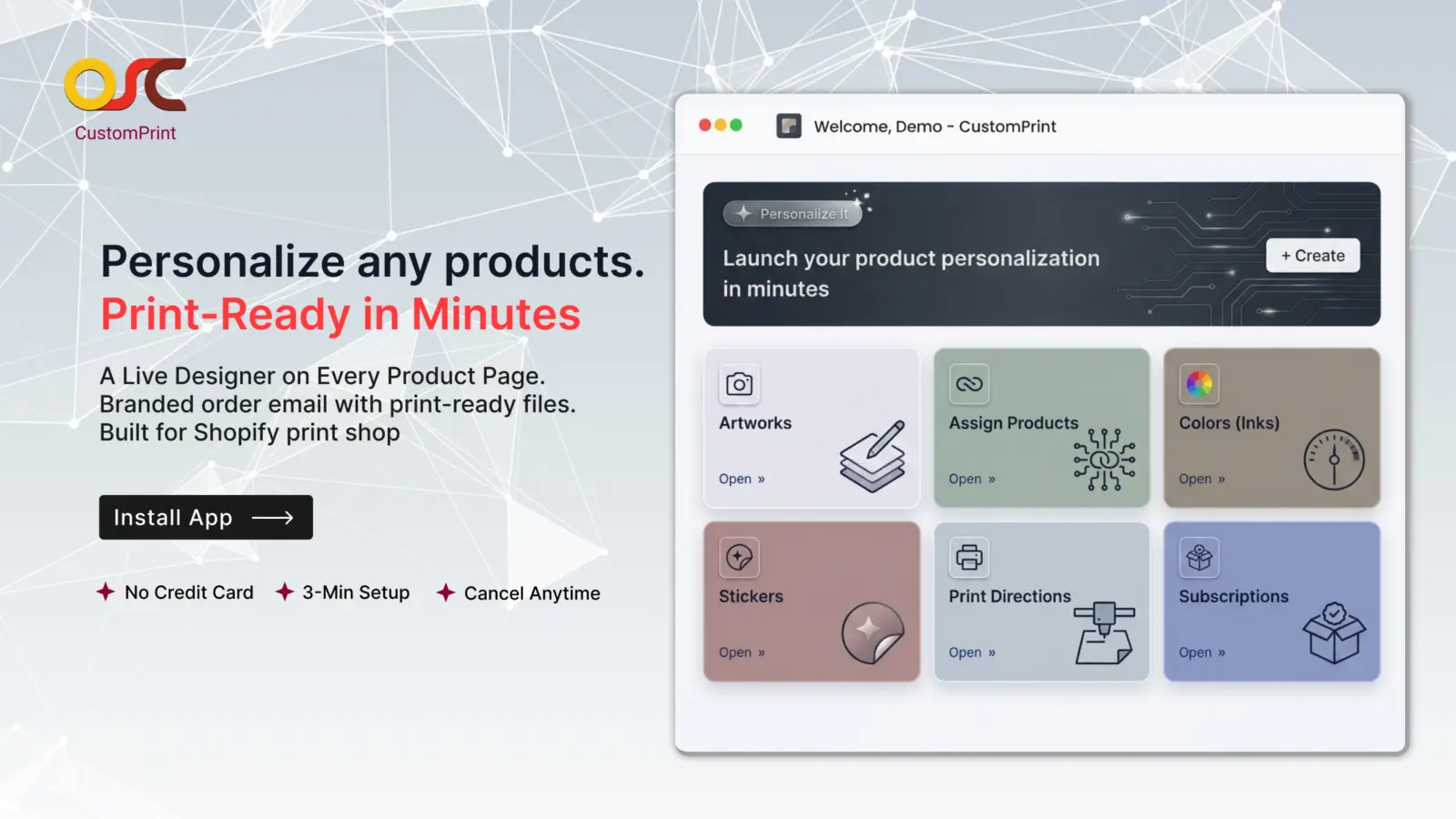
Everything you need to sell personalized products on Shopify — live product designer, artwork templates, color libraries, sticker collections, print-ready files, and automated order delivery.
What this app offers:
Turn any Shopify product into something your customers can personalize themselves. The OSCP Custom Print App gives you a built-in WYSIWYG designer that lets customers add text, upload images, pick stickers, and choose their print direction — right on your product page. The moment a customer checks out, you receive a branded email with their final design as a print-ready file. Set up your brand colors, your sticker library, and your print directions, then watch personalized orders flow in. Built for print shops, custom merchandise stores, gifting businesses, and POD brands who want to scale without scaling the design team.
Features
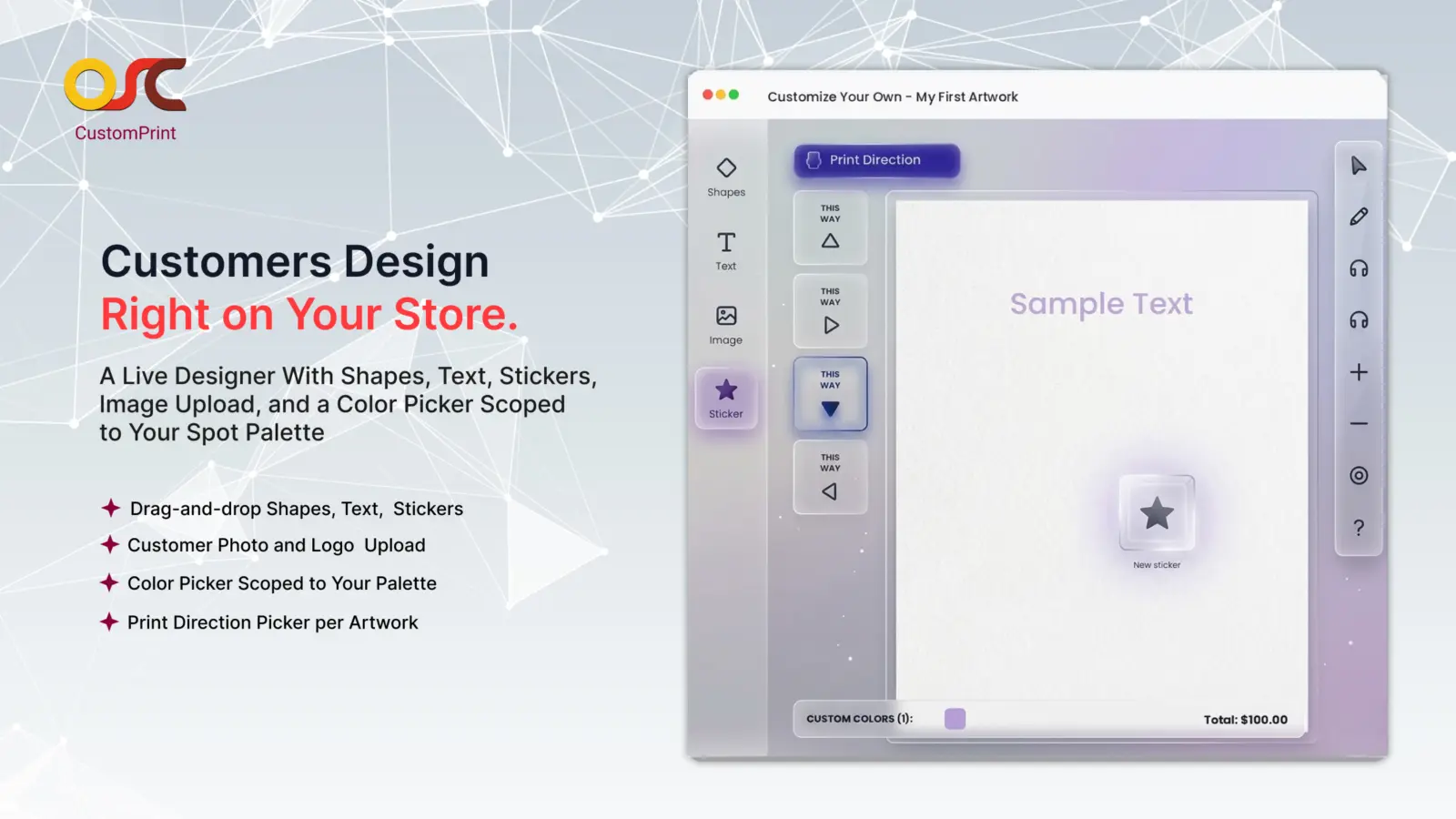
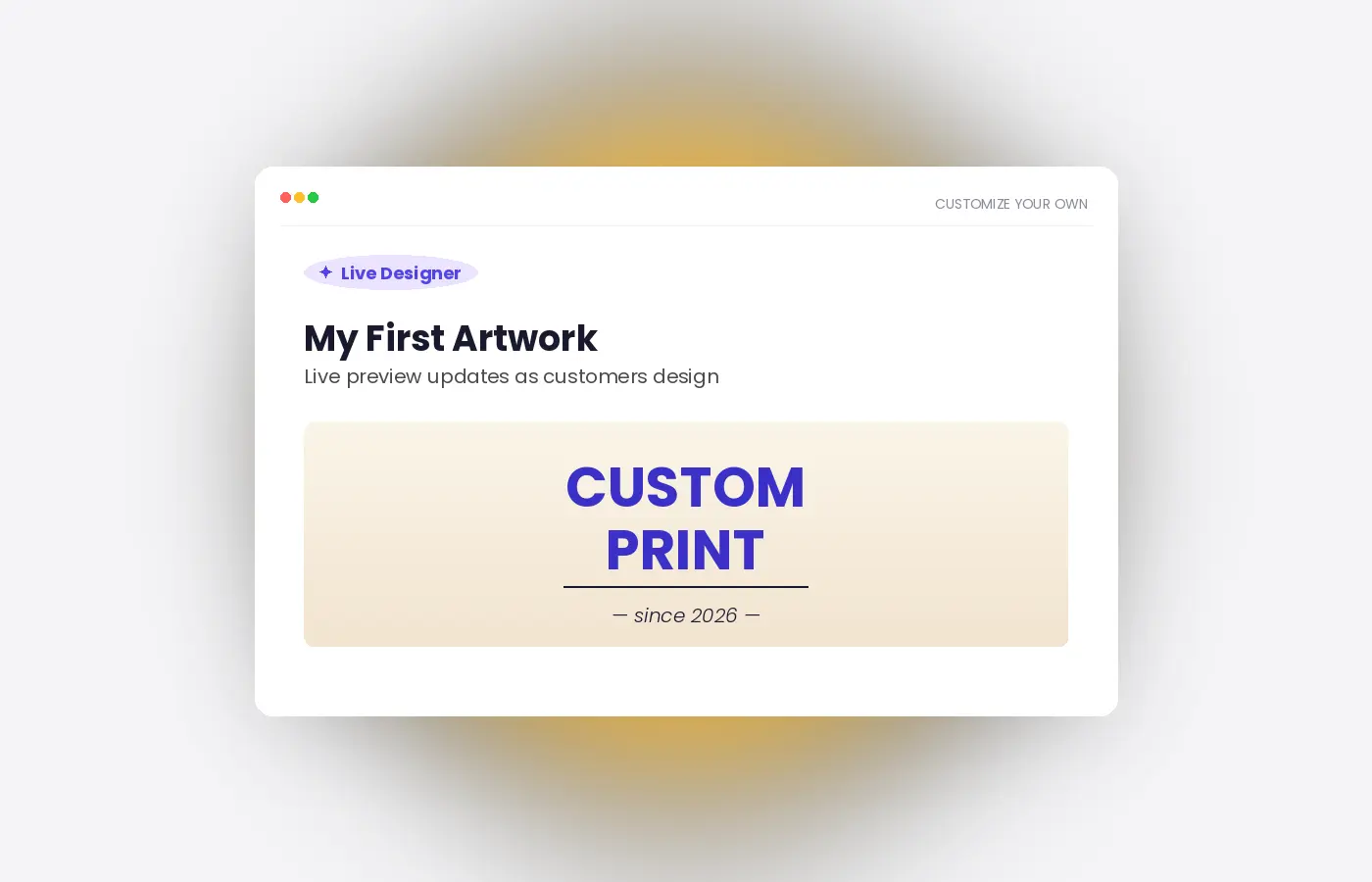
Live Product Designer with WYSIWYG Editor
Add a “Customize” button to any product page and let your customers design products live — with real-time preview as they work.
- Drag-and-drop designer with shapes, text, lines, and stickers from your library
- Customers can upload their own photos and logos directly
- Color picker scoped to your brand-approved spot colors
- Live preview shows exactly what the final printed product will look like
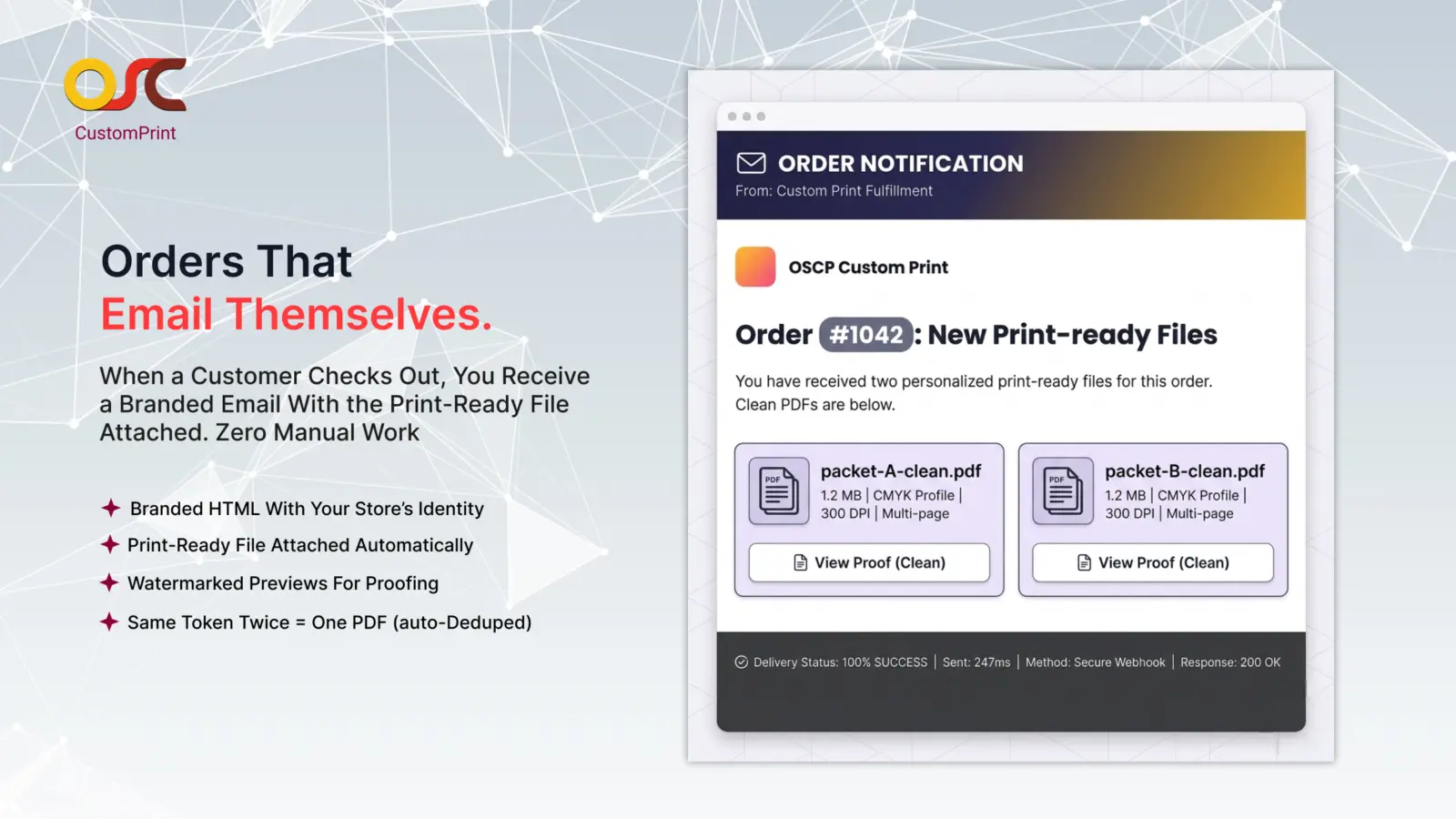
Print-Ready Files in Your Inbox, Automatically
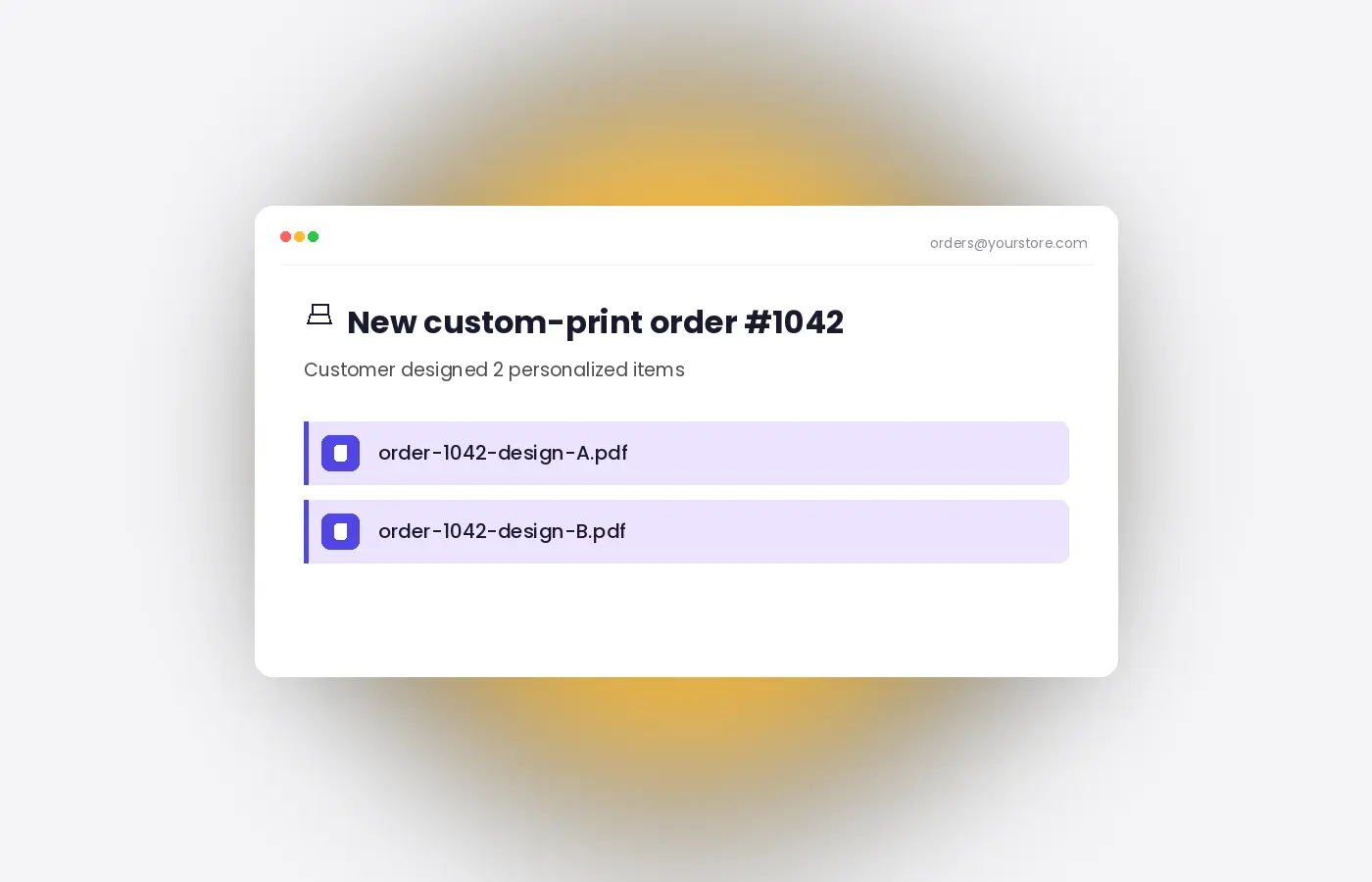
The moment a customer completes their order, you receive a branded email with the final design as a print-ready file — properly sized, properly colored, ready for production.
- Files auto-sized to match your artwork dimensions plus margin
- CMYK spot colors so the print matches what the customer saw on screen
- Used-color list printed inside the trim area for your press team
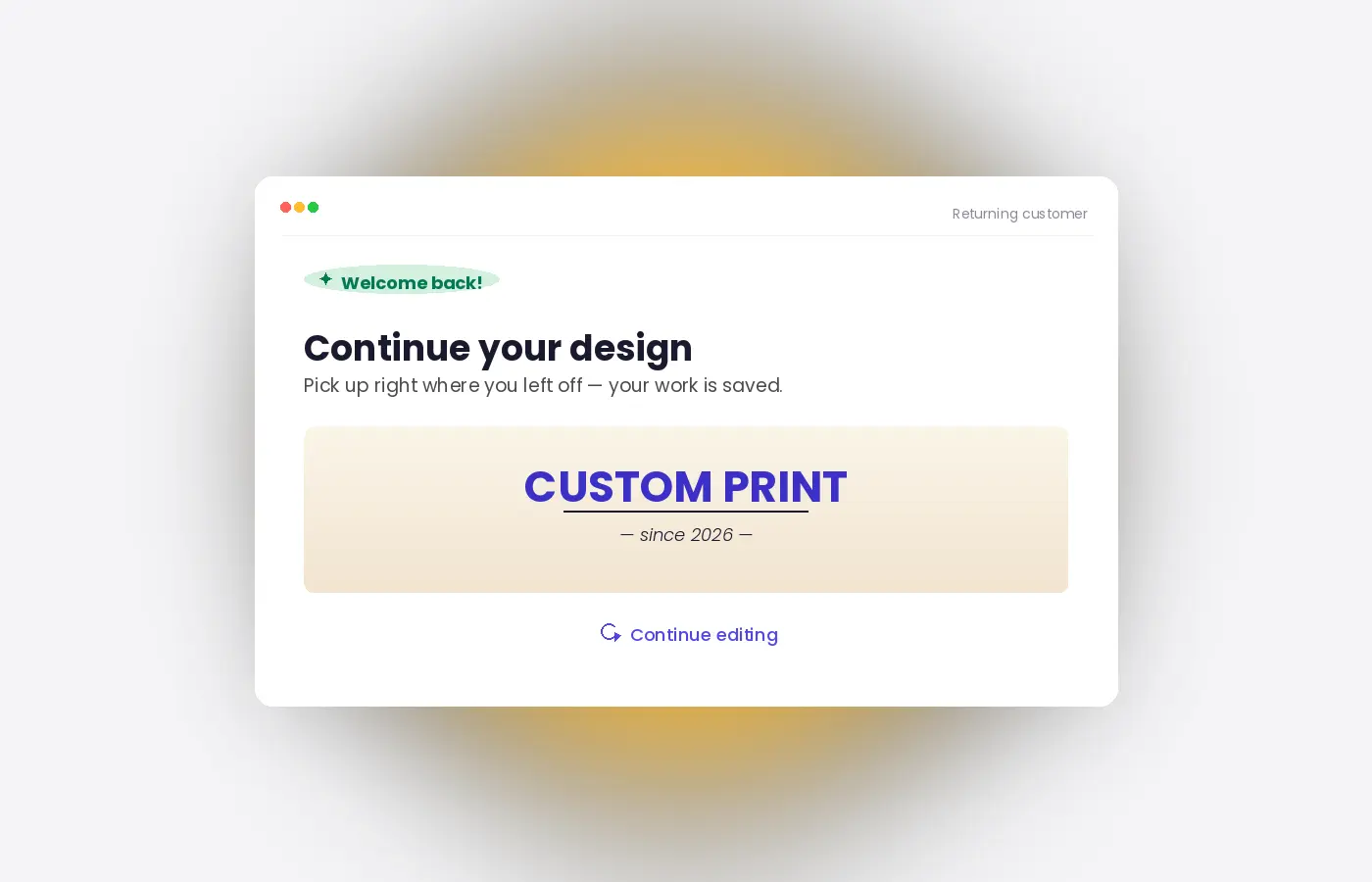
Customers Never Lose Their Designs
Customers can leave their design at any time and return later on the same device to continue exactly where they left off.
- Auto-saves every change automatically — no manual save button required
- Designs remain available on the same device for up to 90 days
- Customers can resume their work with a single click
- No login or account required
- Design data stays linked to the shopping session and cart experience
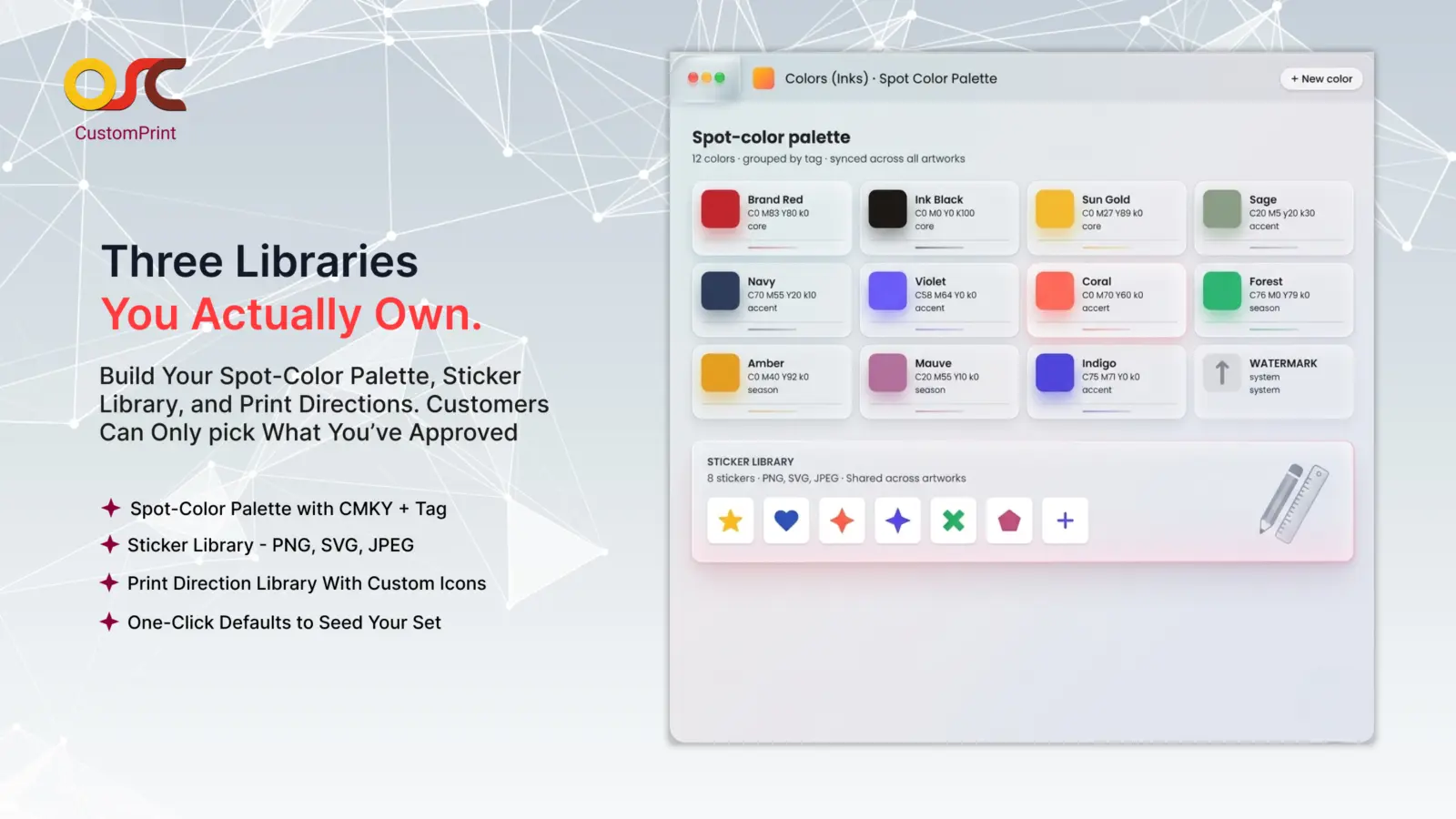
Configure Colors, Stickers & Print Settings
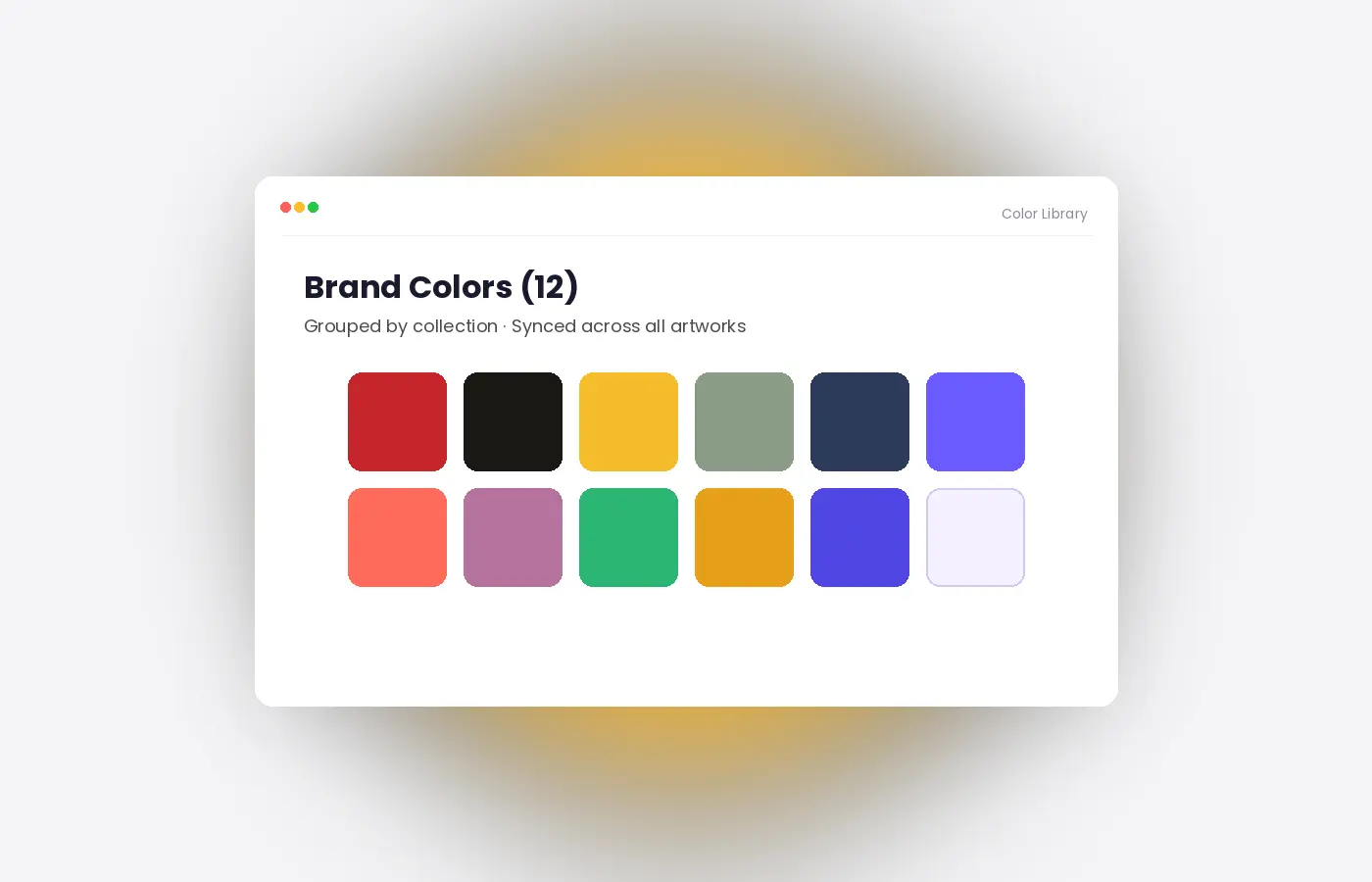
Prepare your customization environment by defining approved colors, sticker assets, and print configuration parameters. This ensures customer designs align with your production workflow and printing requirements.
- Manage custom spot-color libraries
- Upload sticker collections in PNG, SVG, or JPEG formats
- Configure print settings and production parameters
- Restrict customers to approved customization options
- Import default assets for faster setup
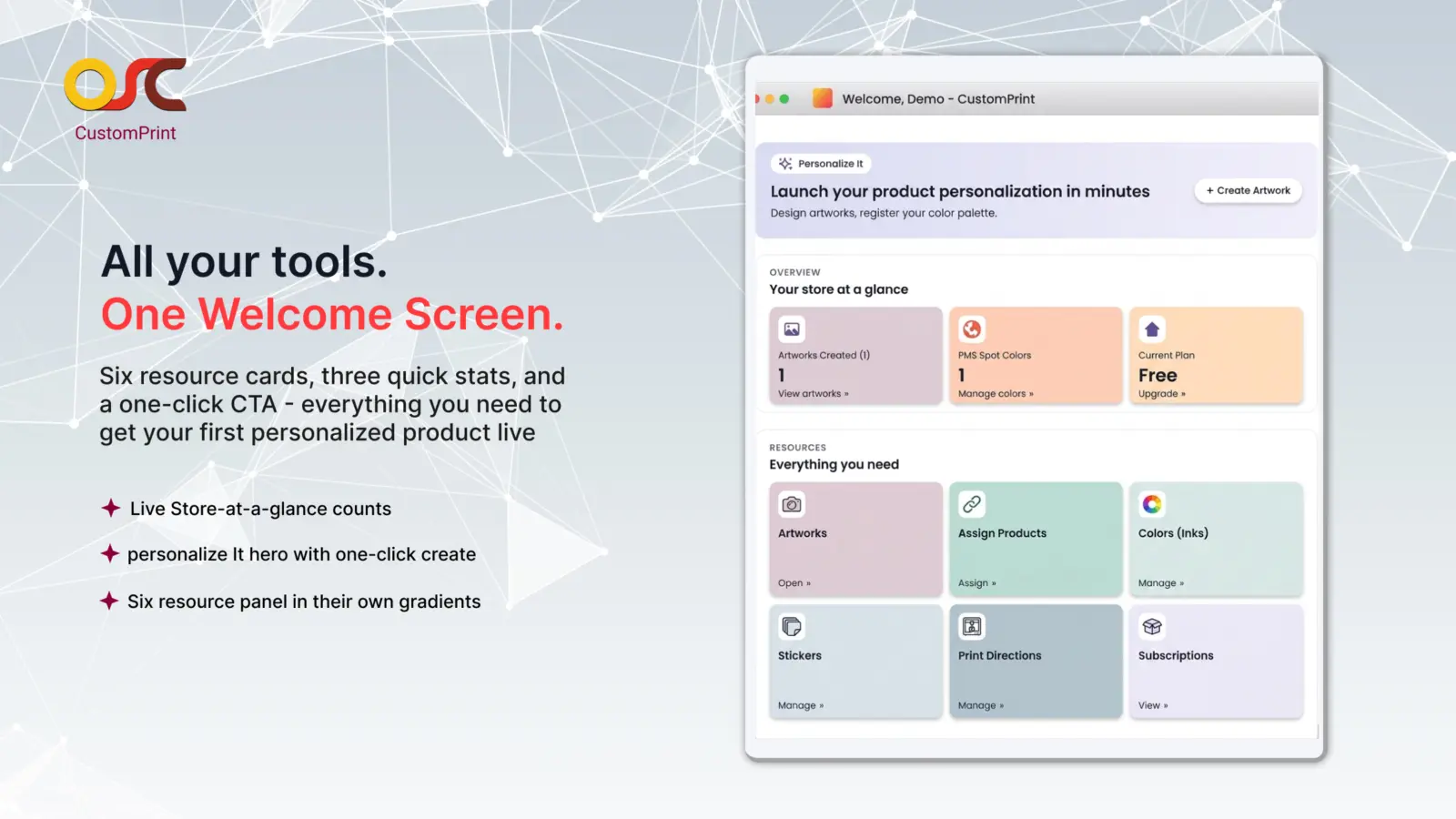
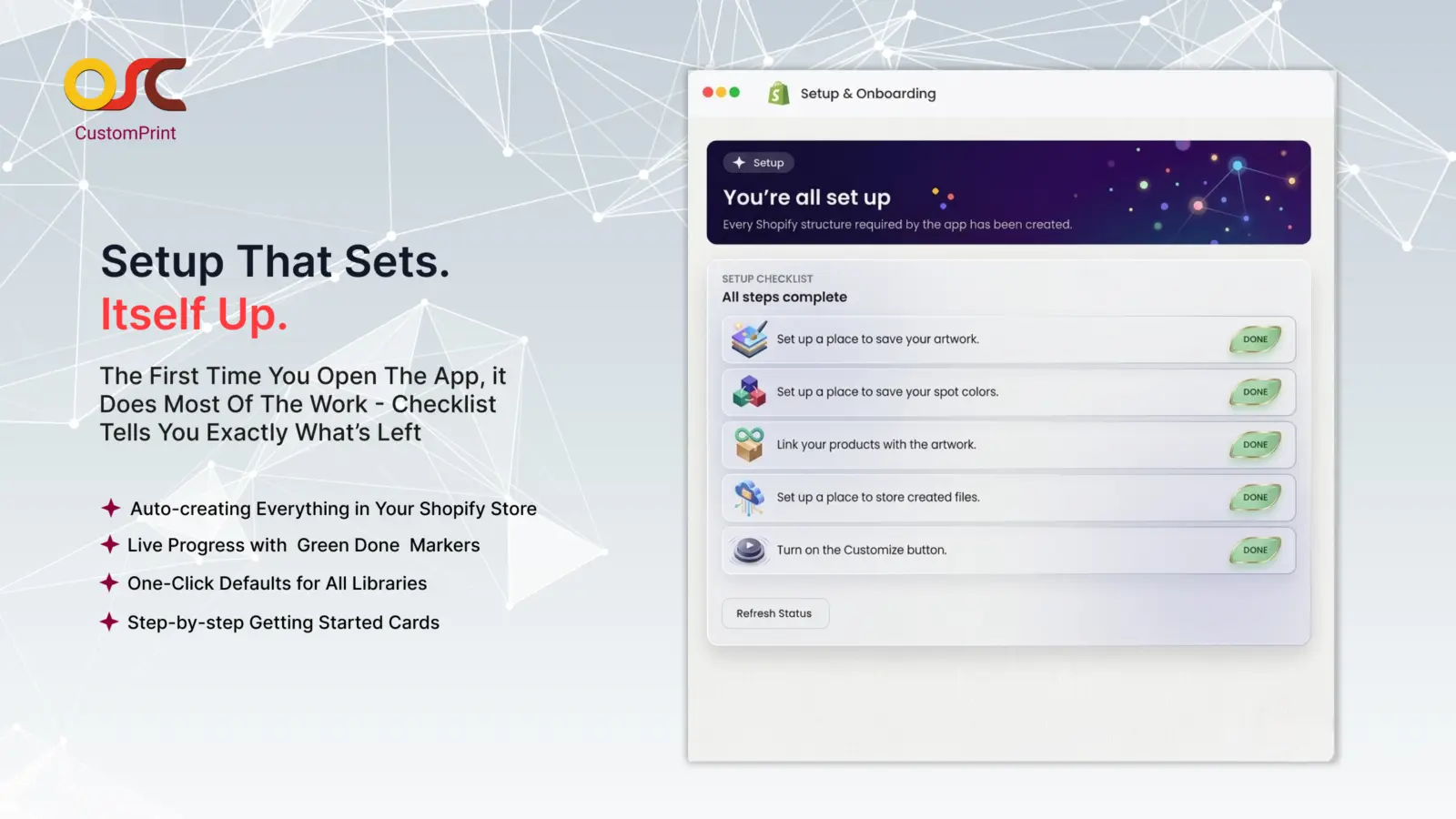
Guided Setup That Gets You Live Faster
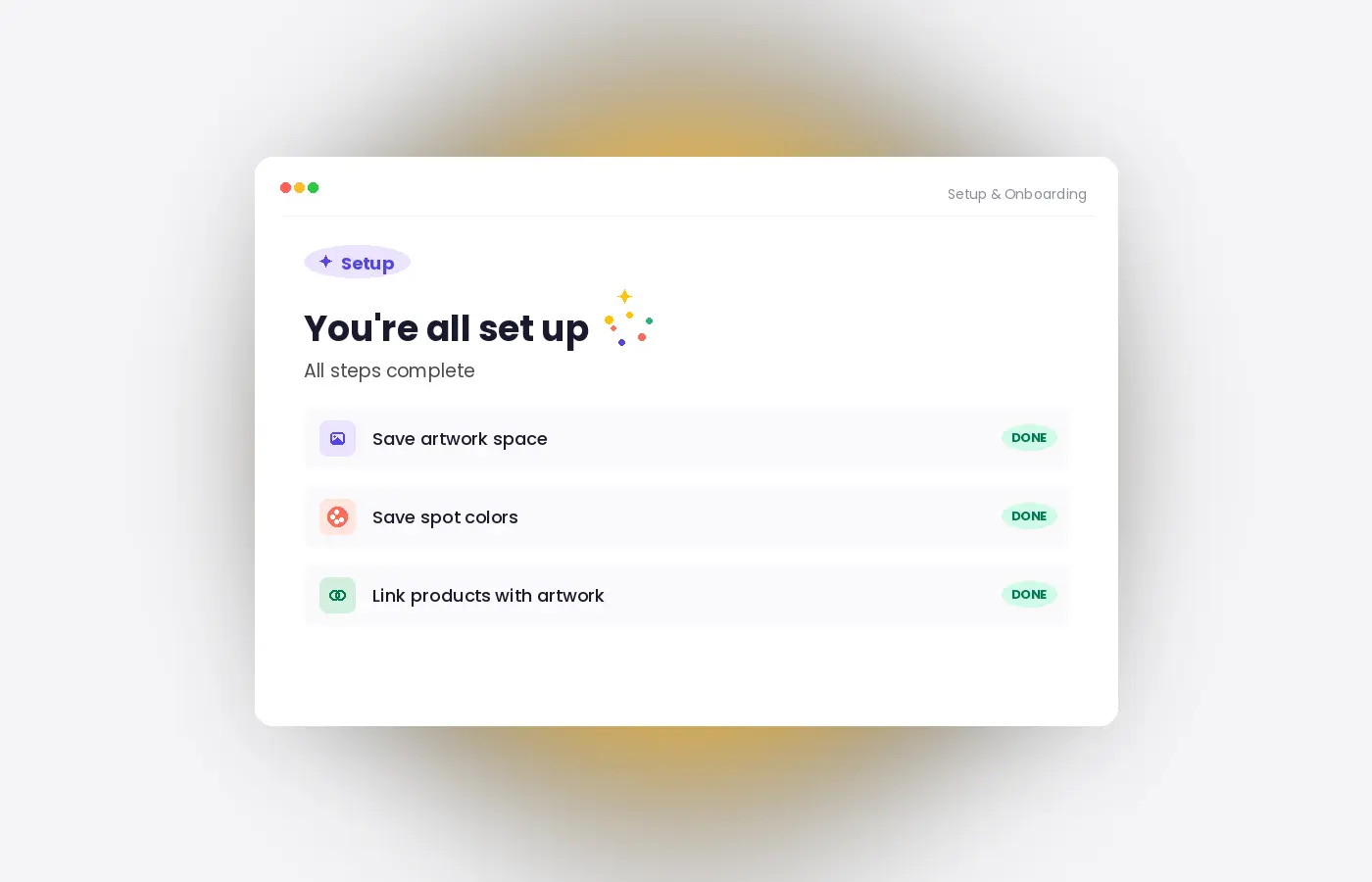
The first time you open the app, it does most of the setup work for you — creates the spaces it needs in your store, prepares your defaults, and shows you a checklist of what’s left. Most merchants are fully live in under 5 minutes.
- Auto-creates everything the app needs in your Shopify store
- Live progress checklist with green “Done” markers
- One-click defaults for stickers, colors, and print directions
- Step-by-step “Getting Started” cards walk you through your first artwork

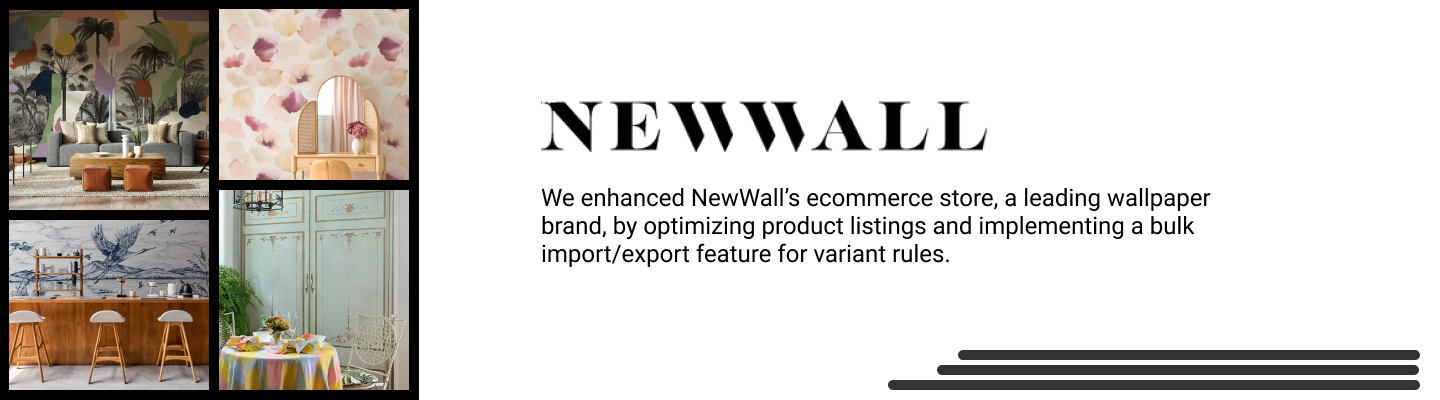
Portfolio
A glimpse into the real-world web development projects and client collaborations








Need more help?
Find quick answers, detailed documentation, and support resources to guide you at every step





Features that makes app different!
Discover the unique tools that set us apart



Trusted by Print Shops Worldwide – See What They’re Saying
Helping Shopify businesses scale with custom personalization, lightning-fast support, and reliable solutions. Hear it directly from our customers
This app is amazing, the functions are exactly what I need, and they have very quick responses every time I need help, highly recommended!
Hipaparts

This team is great. Such a great product as well. We have used many of their services and products and have nothing but a good report. Anytime we had an issue they would always show up right away and make sure we are taken care of. This is rare to find a team like this. Anytime we ask to meet on video call for questions or projects they always made themselves available. We saw how great their team was so we hired them for personal projects. It has been a great experience with their products and their service. I definitely recommend using this.
RX Labels
It’s a really great team. The product is exactly what I need. Whenever we have a problem, they always show up and make sure we are taken care of. It’s hard to find such a great team. When I needed to change the background color and font, they were very patient to help answer the questions and gave me a screenshot of the detailed method to add so that I could change the background color myself. It’s really great and I will continue to use their open software when needed.
zhonghe-itiger
Great app, lots of features! Especially wholesale price and discounted price options. Easy to navigate! Tech support is always quick and very helpful!
Vogue Beauty Store
This app is exactly what we needed! Our customers can now have a clear sight on our volume offer. Also, I would like to highlight the exceptional customer service.
BADMINLAND